

Wallpaper manager for Mac, Windows and Linux
A new wallpaper whenever you want one.
kakemono is a small, free wallpaper manager. It finds wallpapers on Wallhaven, Unsplash, Reddit, Bing and NASA, or in your own folders, and puts them on your desktop.
Free for macOS, Windows and Linux
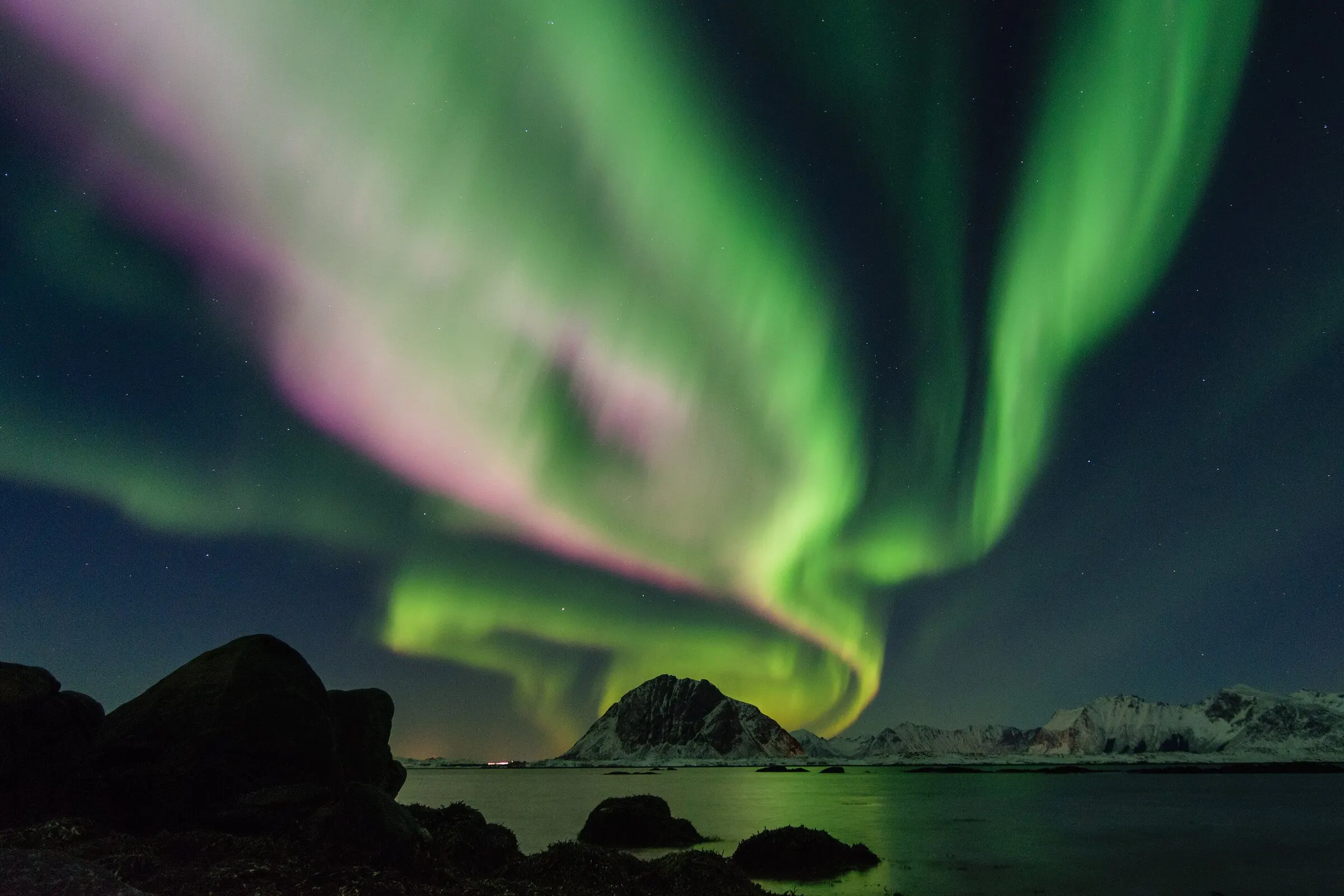

Try it: click a picture to make it the wallpaper. The arrow keys and Enter work too, as in the app.
Lofoten, Norway, photo by Johannes Groll (CC0)

How it works
Set it up once, then forget it.
It lives in your menu bar
On Windows and Linux it sits in the system tray. There's no window to keep open.
Choose where pictures come from
Wallhaven and a Favorites folder are set up for you. You can add Unsplash, Reddit, Bing, NASA's picture of the day, a web page or a folder on your computer.
Change it when you like
Click Next in the menu, pick one from the strip, or let kakemono change it every 30 minutes. Until you ask, it leaves your wallpaper alone.
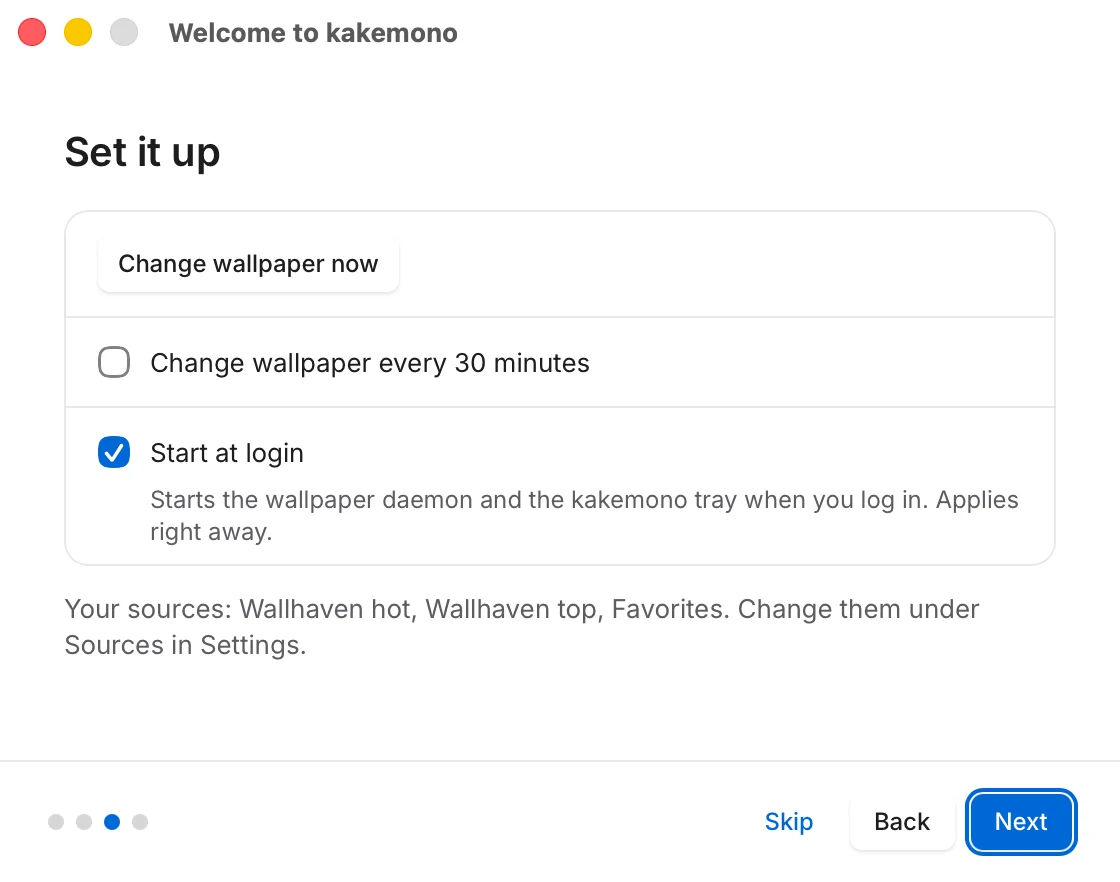
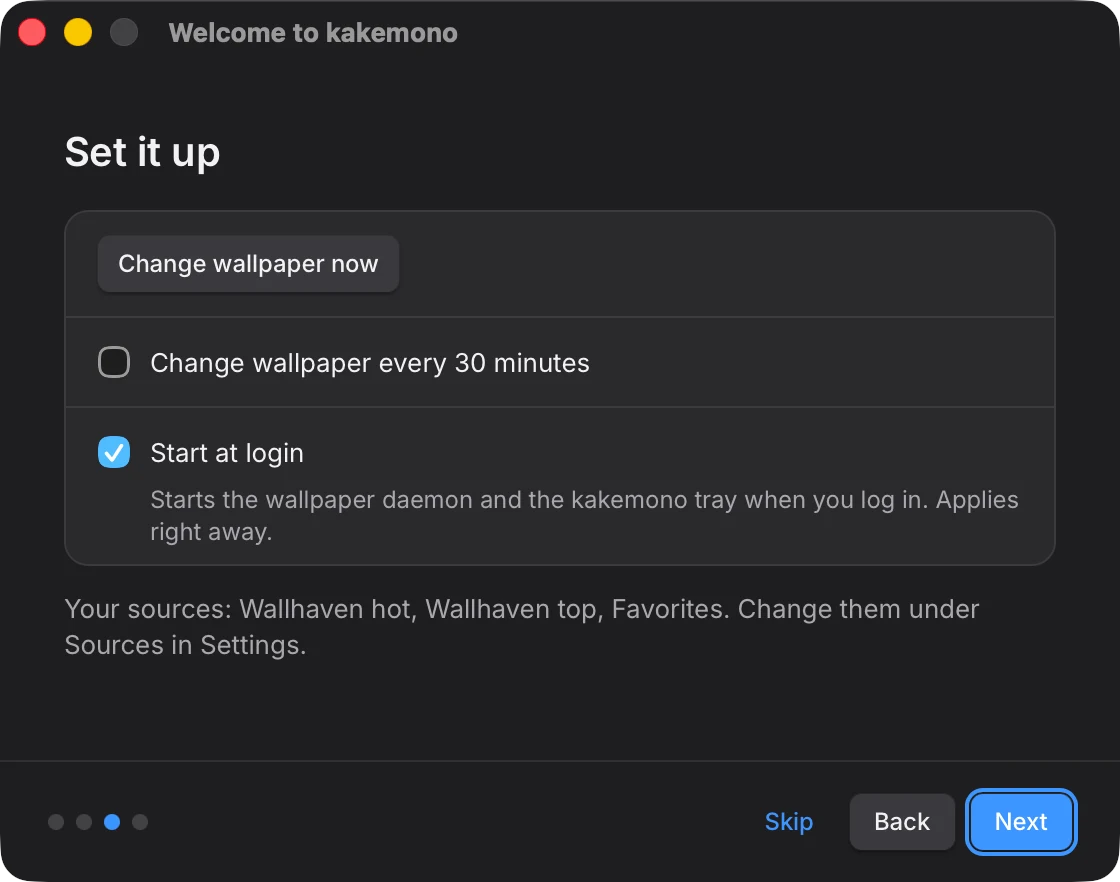
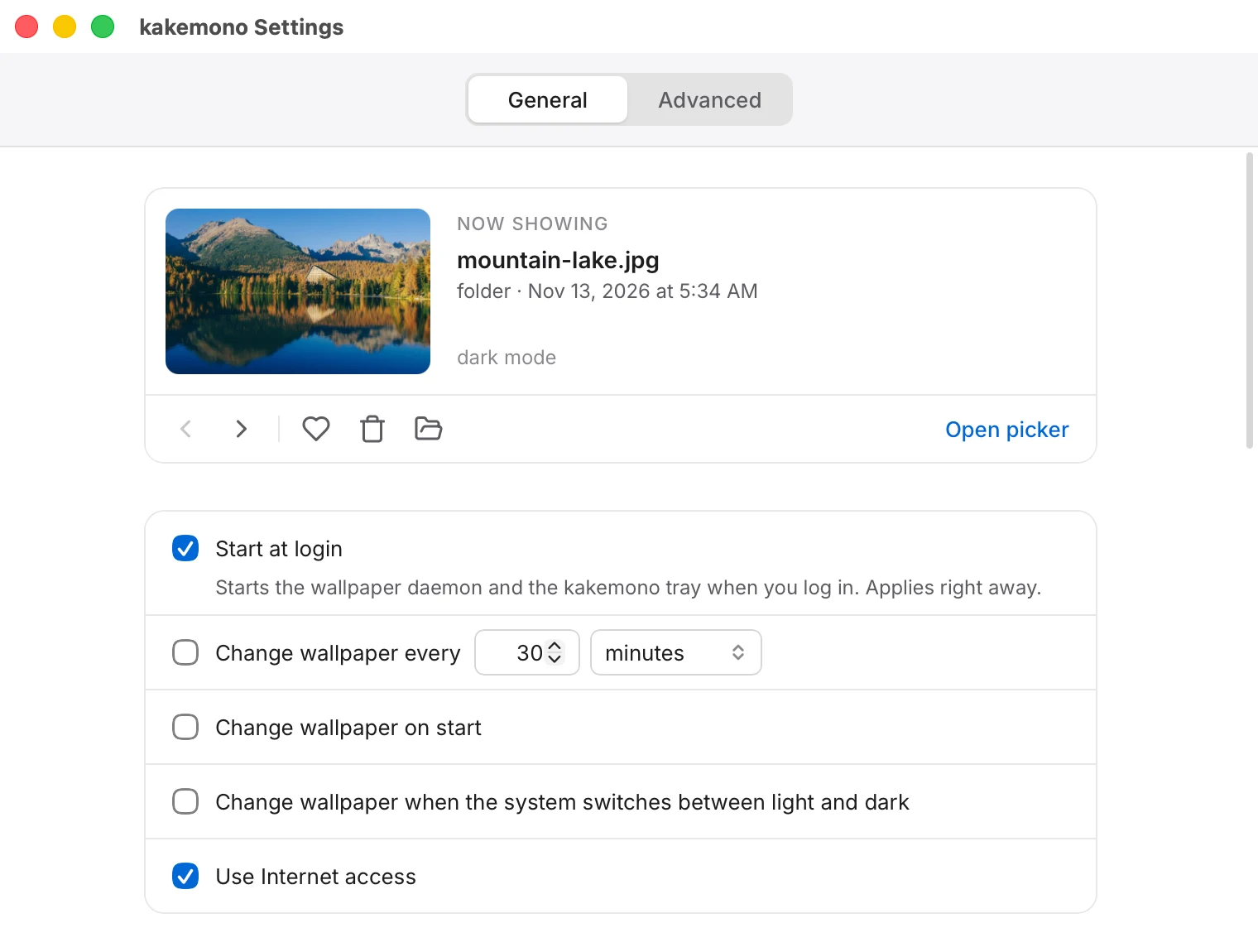
Settings
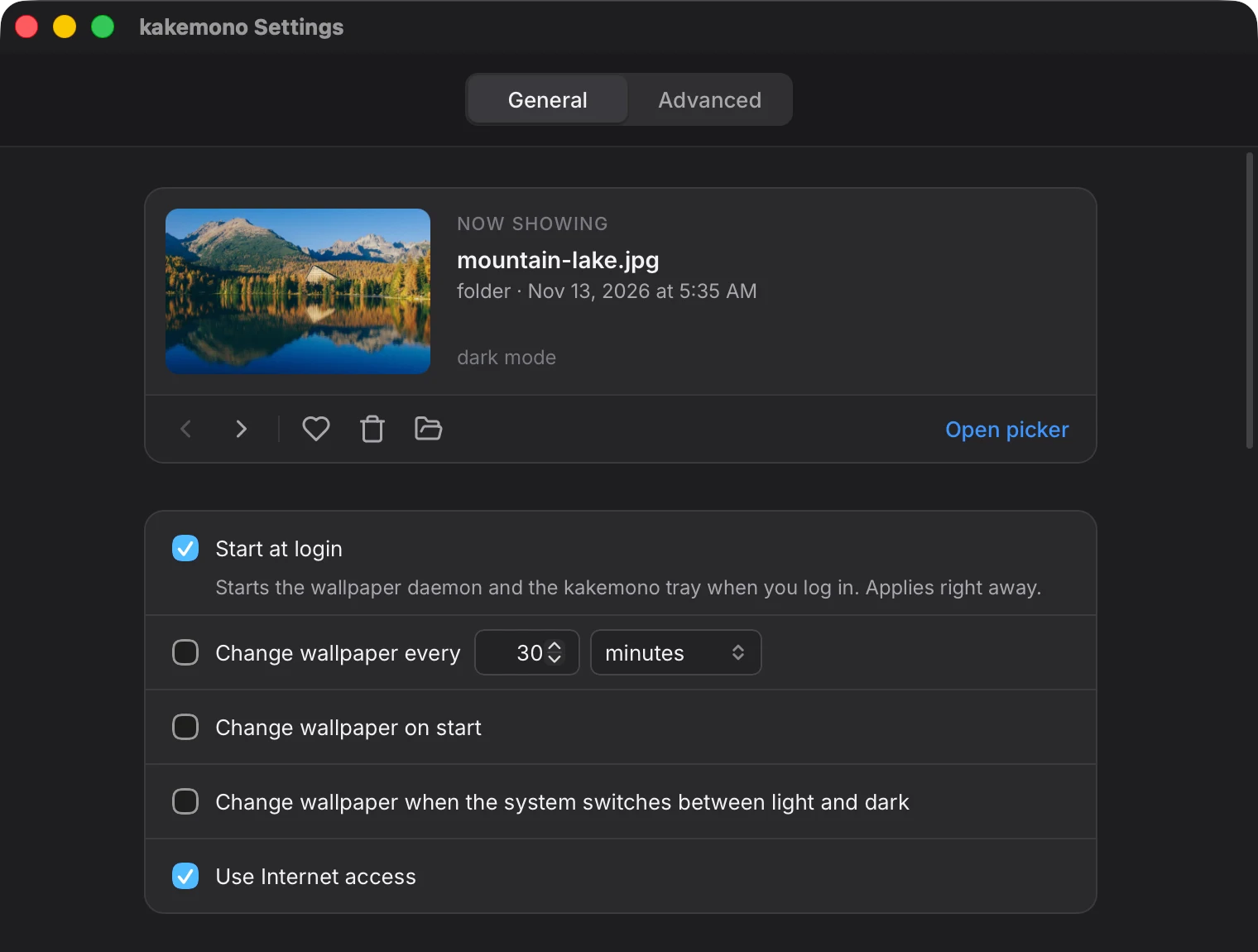
Every option is a checkbox.
Go back to an earlier wallpaper, keep the ones you like in Favorites, and get a new picture when your computer switches between light and dark mode.
Download
Get kakemono.
- Mac, with HomebrewOne command in Terminal. You skip the security warning.
- Mac, downloadThe app as a .dmg file, for Apple silicon and Intel Macs.
- Windows, with ScoopOne command in PowerShell.
- Windows, installerDownload the setup file and run it.
- Debian, UbuntuAlso Linux Mint, Pop!_OS and other Ubuntu-based systems.
- Fedora, openSUSESystems that install .rpm packages.
- Arch LinuxFrom the AUR, with yay or paru.
- Any LinuxThe AppImage. It runs without installing.
- Other ways to installThe command-line tool alone, every download, and building from source.
Each card opens a page with the steps. The app isn't signed yet, so your system warns you the first time you open it, and each page shows what to click.