

Start here
Install with Scoop
On Windows with Scoop, paste one of these into PowerShell:
# Without Gitscoop install https://raw.githubusercontent.com/RielJ/scoop-bucket/main/bucket/kakemono.json
# With Git: add the bucket, then install from itscoop bucket add rielj https://github.com/RielJ/scoop-bucketscoop install rielj/kakemono
Then open kakemono from the Start menu. Its icon appears in the system tray, at the bottom right of your screen. If you don’t see it, click the ^ arrow next to the clock.
Don’t have Scoop? Use the installer instead.
The first time you open it
A Welcome window walks you through four short screens. On the third one you can change the wallpaper right away, turn on the timer, and choose whether kakemono starts when you log in.
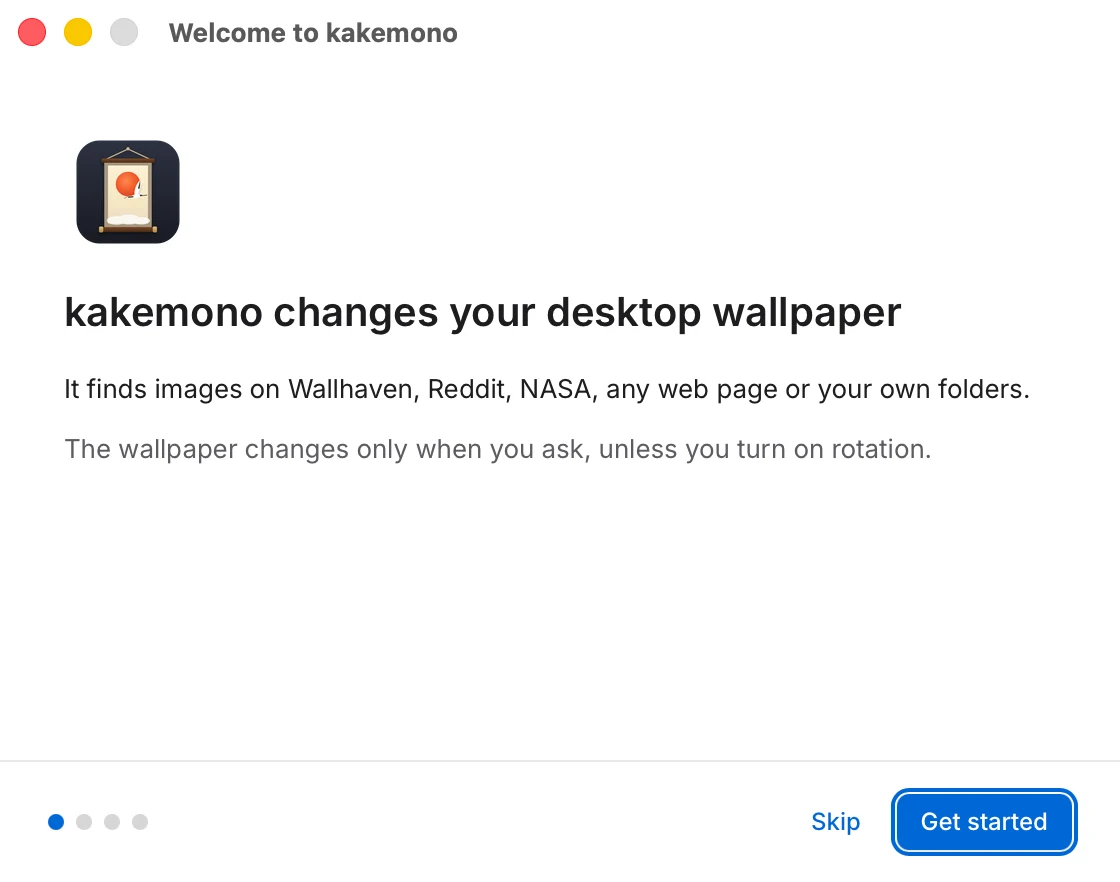
kakemono doesn’t change your wallpaper until you ask. Next: How to use kakemono.