

Start here
Install the AppImage
The AppImage works on any Linux distribution and runs without installing. Download it:
Download the AppImageThen make it runnable and start it, from the folder you downloaded it to:
chmod +x kakemono-linux-x64.AppImage./kakemono-linux-x64.AppImageThe AppImage doesn’t add kakemono to your app launcher. Start it the same way next time, or use the .deb or .rpm package if your system takes one.
Its icon appears in the system tray. On GNOME, the tray needs the AppIndicator extension.
kakemono works on GNOME, KDE Plasma, Xfce, Cinnamon, MATE, Hyprland, sway and many window managers. If the wallpaper doesn’t change, see Linux desktops.
The first time you open it
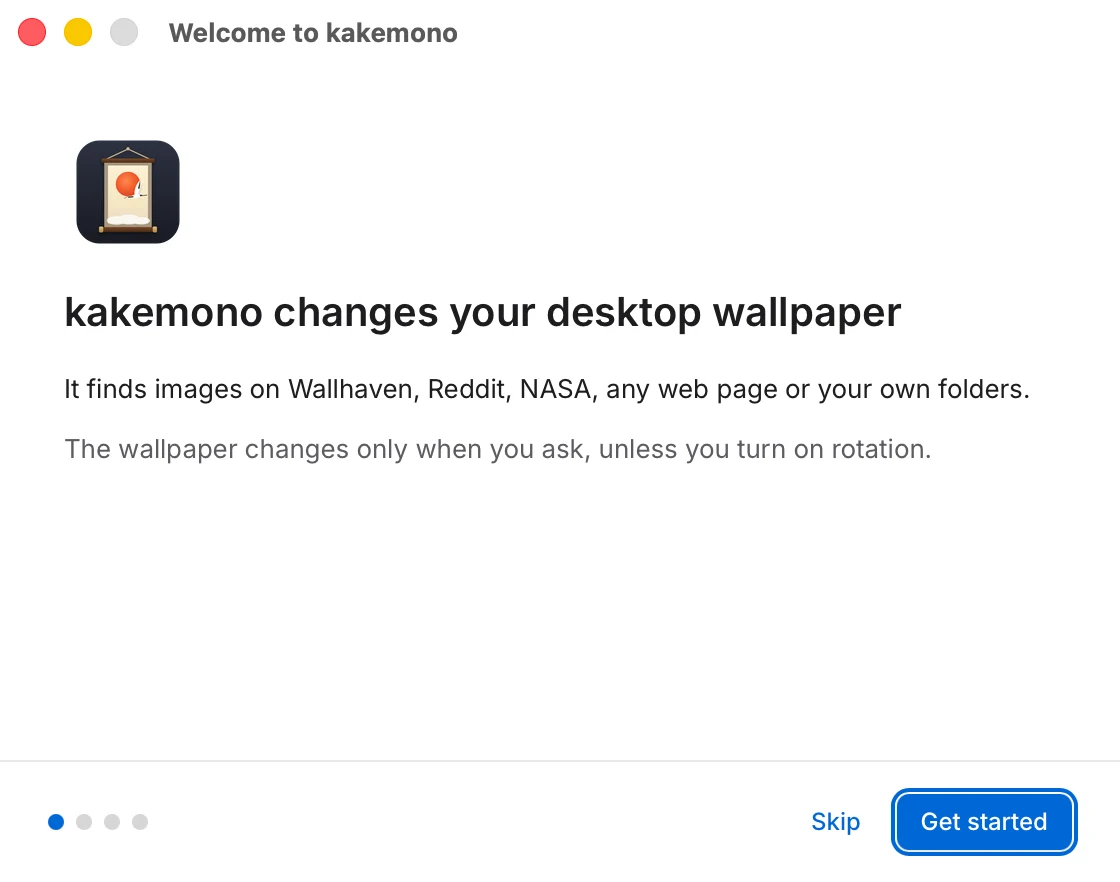
A Welcome window walks you through four short screens. On the third one you can change the wallpaper right away, turn on the timer, and choose whether kakemono starts when you log in.
kakemono doesn’t change your wallpaper until you ask. Next: How to use kakemono.