

Start here
Install on Arch Linux
kakemono is in the AUR as kakemono-bin. It installs the app from the release, for x86_64 computers. Install it with your AUR helper:
yay -S kakemono-binparu -S kakemono-bingit clone https://aur.archlinux.org/kakemono-bin.gitcd kakemono-binmakepkg -siThen open kakemono from your app launcher.
To update kakemono, update your system with your AUR helper, for example yay -Syu. The app doesn’t update itself when the AUR installed it. Its update banner shows this command instead.
Its icon appears in the system tray. On GNOME, the tray needs the AppIndicator extension.
kakemono works on GNOME, KDE Plasma, Xfce, Cinnamon, MATE, Hyprland, sway and many window managers. If the wallpaper doesn’t change, see Linux desktops.
The first time you open it
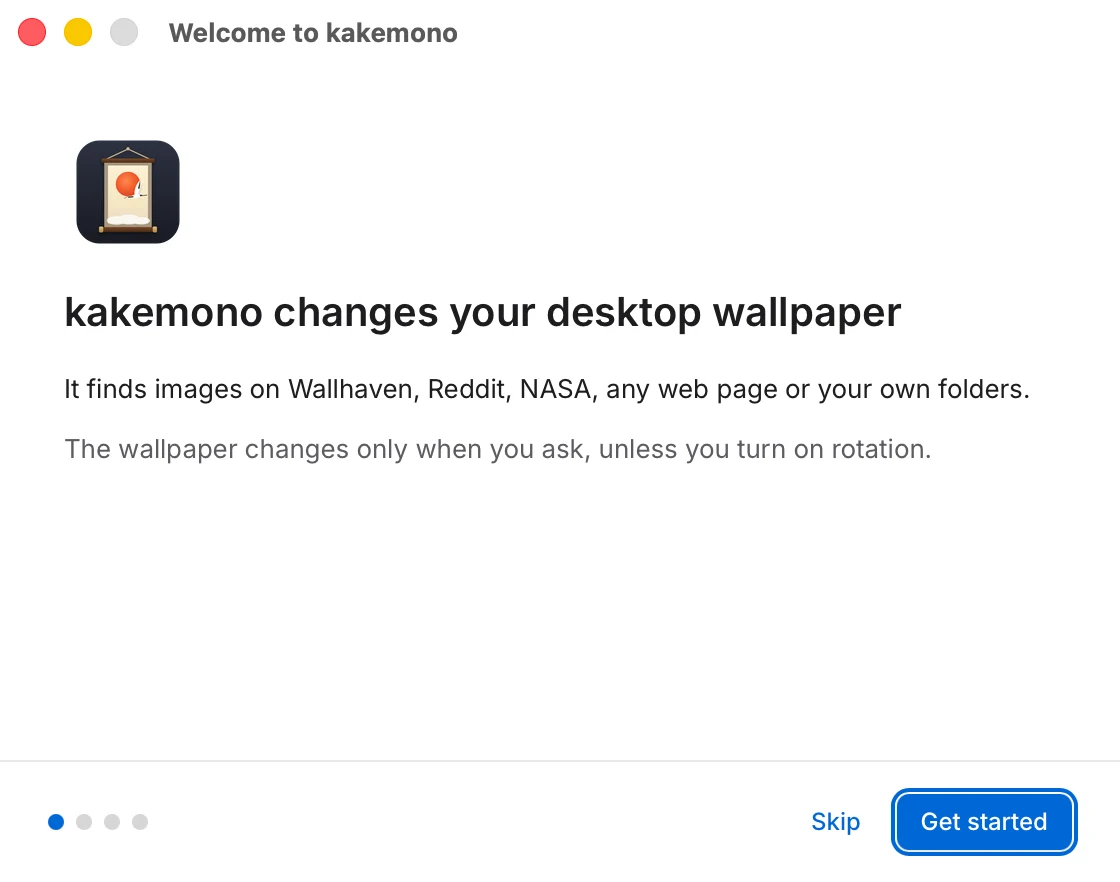
A Welcome window walks you through four short screens. On the third one you can change the wallpaper right away, turn on the timer, and choose whether kakemono starts when you log in.
kakemono doesn’t change your wallpaper until you ask. Next: How to use kakemono.