

Start here
Install with Homebrew
On a Mac with Homebrew, paste this into Terminal and press Return:
brew install --cask rielj/tap/kakemonoHomebrew tells macOS the app is safe, so you skip the “damaged” warning. Open kakemono from Applications. Its icon appears in the menu bar, at the top right of your screen.
Don’t have Homebrew? Download the app instead. On Linux, Homebrew installs only the command-line tool; see Other ways to install.
The first time you open it
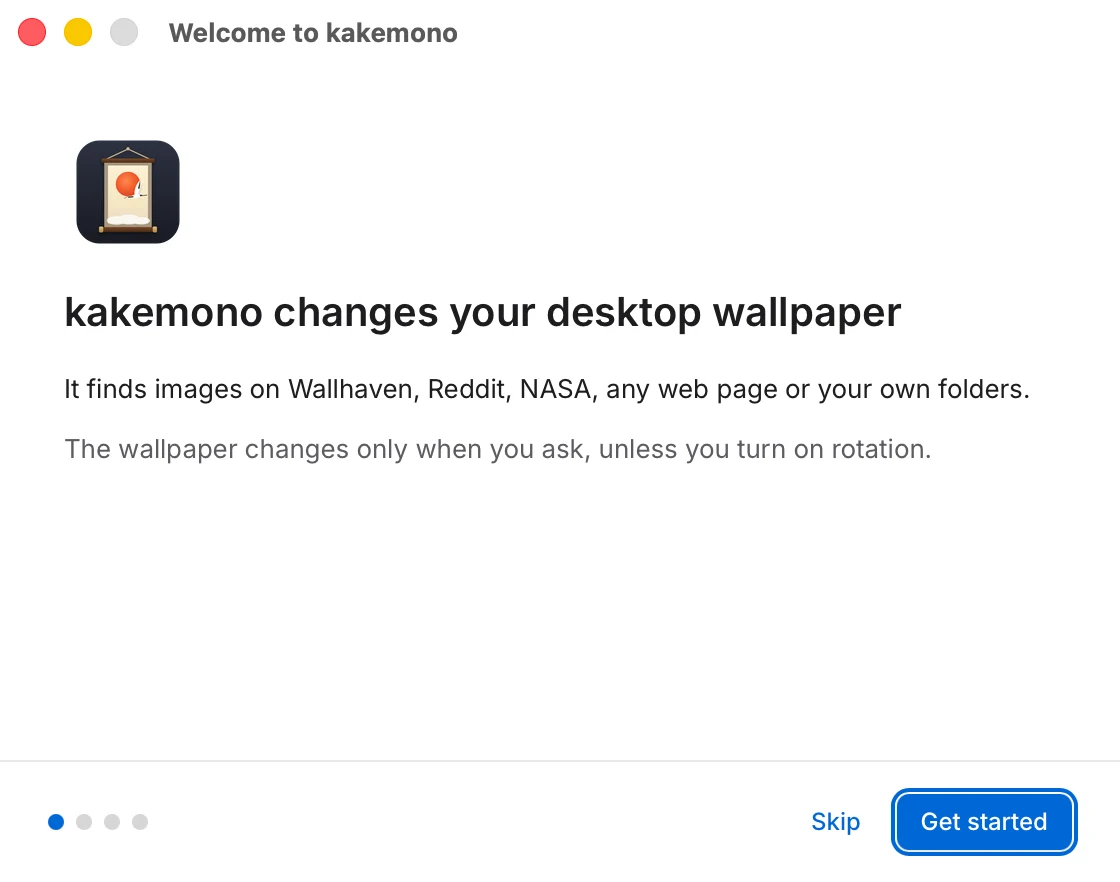
A Welcome window walks you through four short screens. On the third one you can change the wallpaper right away, turn on the timer, and choose whether kakemono starts when you log in.
kakemono doesn’t change your wallpaper until you ask. Next: How to use kakemono.